
Note: Coupons are only available on monthly licenses to current trialists.
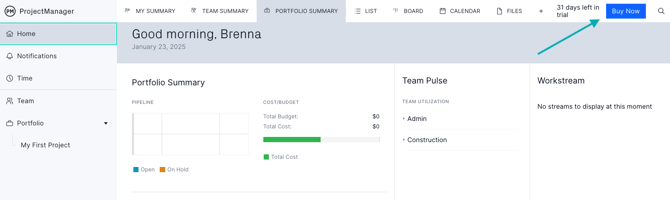
Click "Buy Now" on Your Trial
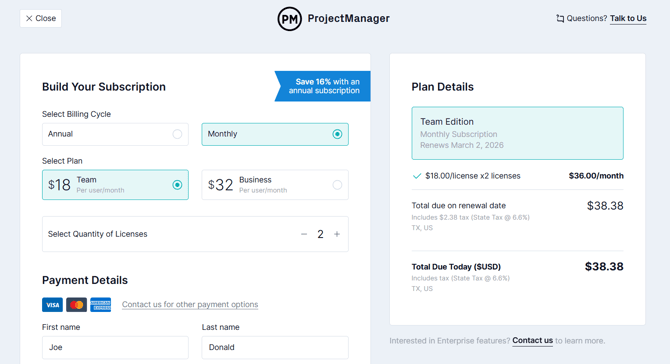
Enter Checkout Details
On the checkout page, build your subscription and add your payment method.
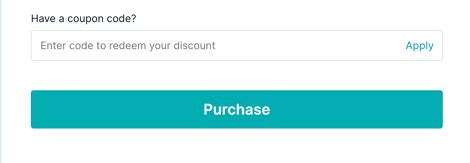
Enter Coupon
Scroll down to the bottom, where you'll see a place to add the coupon code.
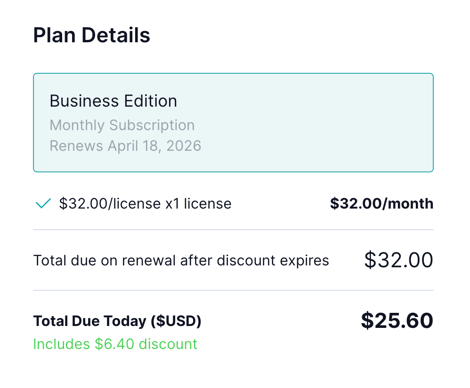
The new total will reflect.
Please email support@projectmanager.com with any questions.