
To-do lists allow you to create and check off action items that relate to the task. To-do lists can be created on a summary task as well as subtasks.
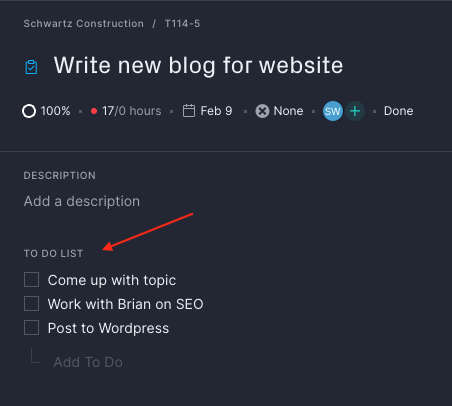
The to-do list is visible underneath the task description on the task card. Create a to-do list by typing your to-do item and then pressing enter. You can mark to-do list items as complete, update an item or delete an item from the list.
Create as many to-do lists as for your tasks needed to stay productive and organized. Email us at support@projectmanager.com with any questions!