
Click below for a walkthrough of how to adjust these settings.
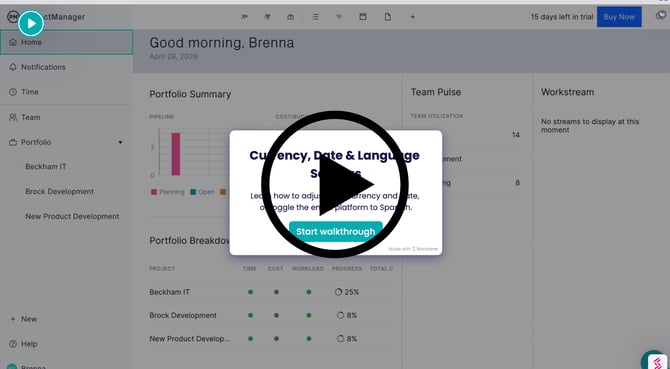
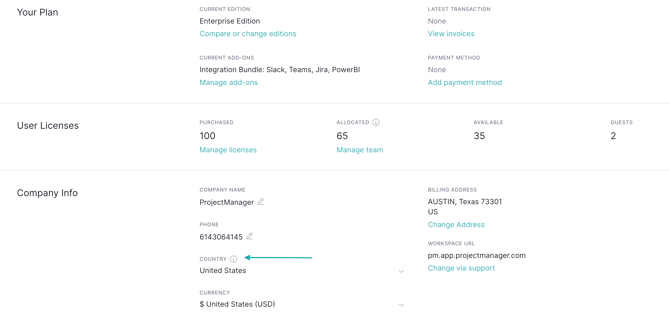
Country & Currency
The country and currency settings on the Account & Billing page control the following information across your entire account:
- Timezone
- Date format
- Currency format
- Currency symbol
These are automatically set when you first create your account but they can be changed at any time. Changes are applied to all projects and team members immediately.
Language
The language setting controls which language you see when you use the product. It is available in English or Spanish. The language can be different for each user, for example, you may want to use English, but your sales team based in Mexico wants to use Spanish.
We automatically choose an appropriate language when you first log in, team members can change their language via their Profile, and managers can set languages on behalf of other team members via the users & teams page.
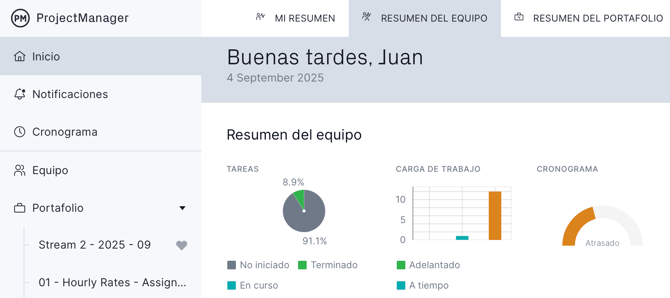
Changing this setting will instantly update the product interface to that language. Only the product interface changes with the language setting, data entered by your team is not translated at all, to ensure the integrity of your project data.
Team Summary screen in Spanish:
Choose your language from your profile:
.png?width=480&height=226&name=translation%20-%20profile%20light%20mode%20wide%20(2).png)
If you have additional questions about how to update your country and language preferences, email support@projectmanager.com